Megapixels, sensor size, aperture, ISO
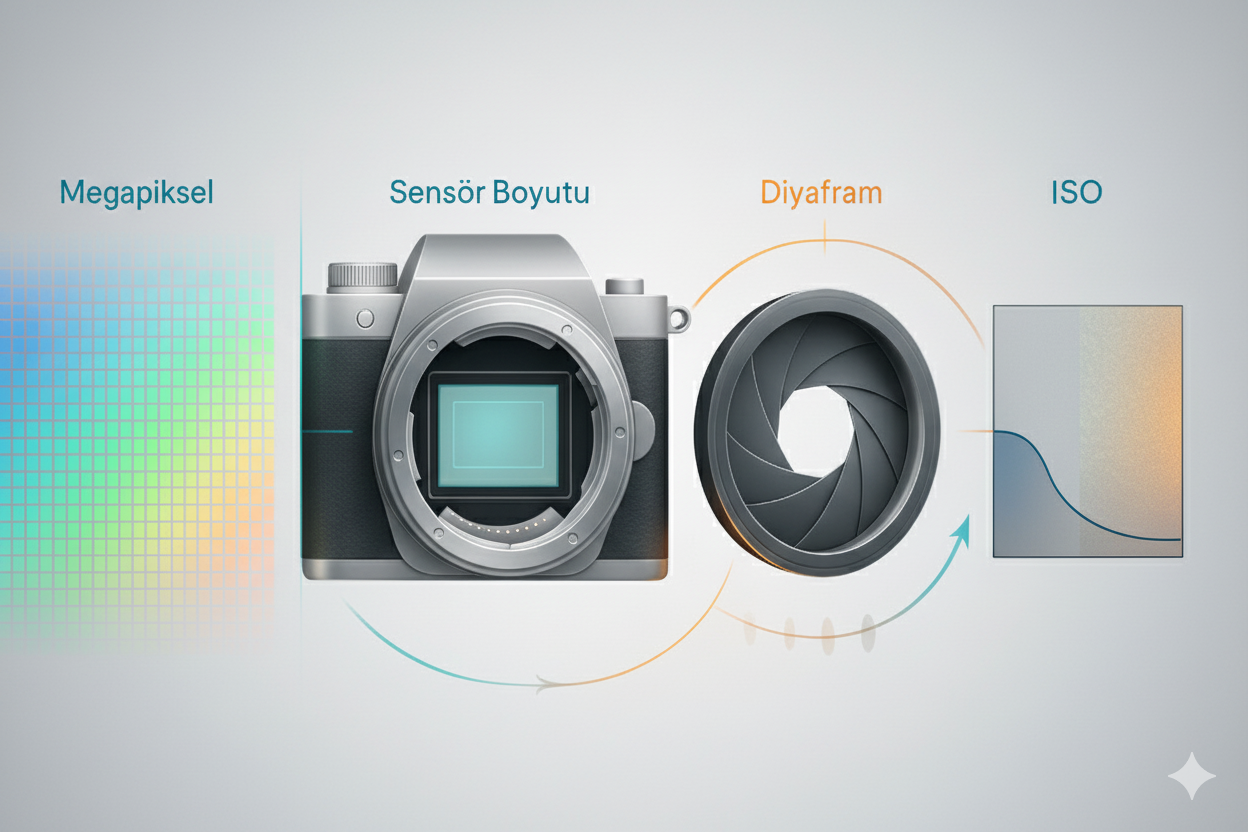
The basic terms in the title are concepts familiar to anyone who has had some involvement with photography. So I’ll keep what they are brief and focus more on how they play a role in macro photography. Still, this might be a bit of a technical and boring read.
Since we’re looking at the topic entirely from the perspective of macro photography, what we want is very simple! Framing is of course very important, but it’s outside our topic right now, so I’ll skip it. We want a clear, sharp, and bright photo. In general, the more detail we see in macro, the better. For more detail we get closer to the subject, we increase magnification. When it comes to detail, megapixels – sensor size – aperture – ISO values play a role. But there are some limits, and no matter how close we shoot or how much we magnify, we just can’t achieve the detail we want. For this, we first need to establish the basic concepts.
Let’s start with aperture—a topic that’s under our control and a bit sensitive.
Aperture
With the same function as our pupil constricting and dilating in response to light, aperture is, in the simplest terms, an opening whose width can be mechanically changed to control how much light gets in. If the aperture is open, we can gather plenty of light and shoot in dim environments.
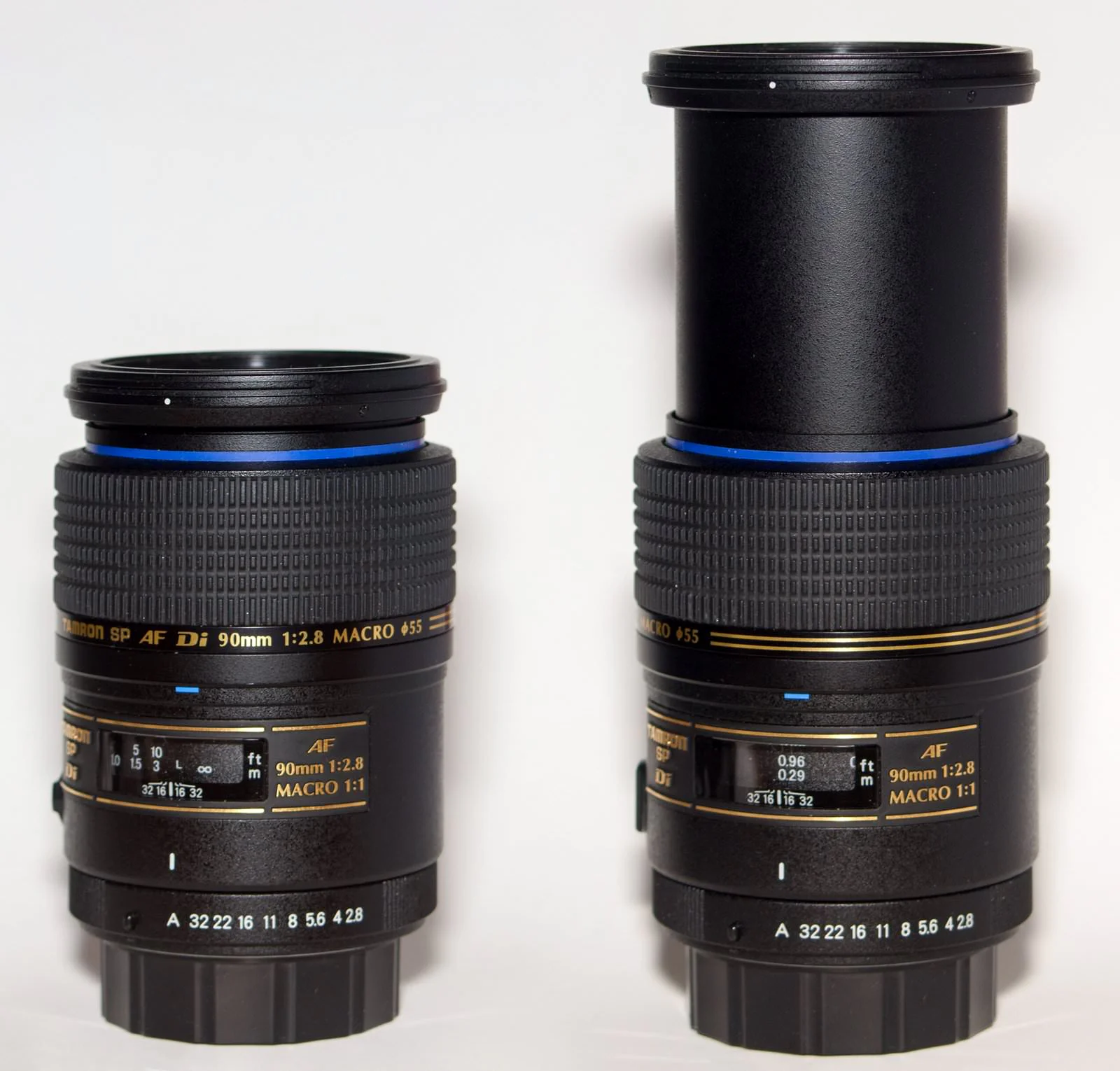
We usually exalt lenses for their maximum aperture. Say f/1.2 and ears perk up… However, in the macro world, especially for handheld shooting, apertures are typically used stopped down—values like f/10–f/11. Most modern macro lenses offer f/2.8, but if you’re not going to use that lens for portraits, f/2.8 is not directly preferred in common macro work. It may make it easier to achieve focus just before the shot, but that’s about it.
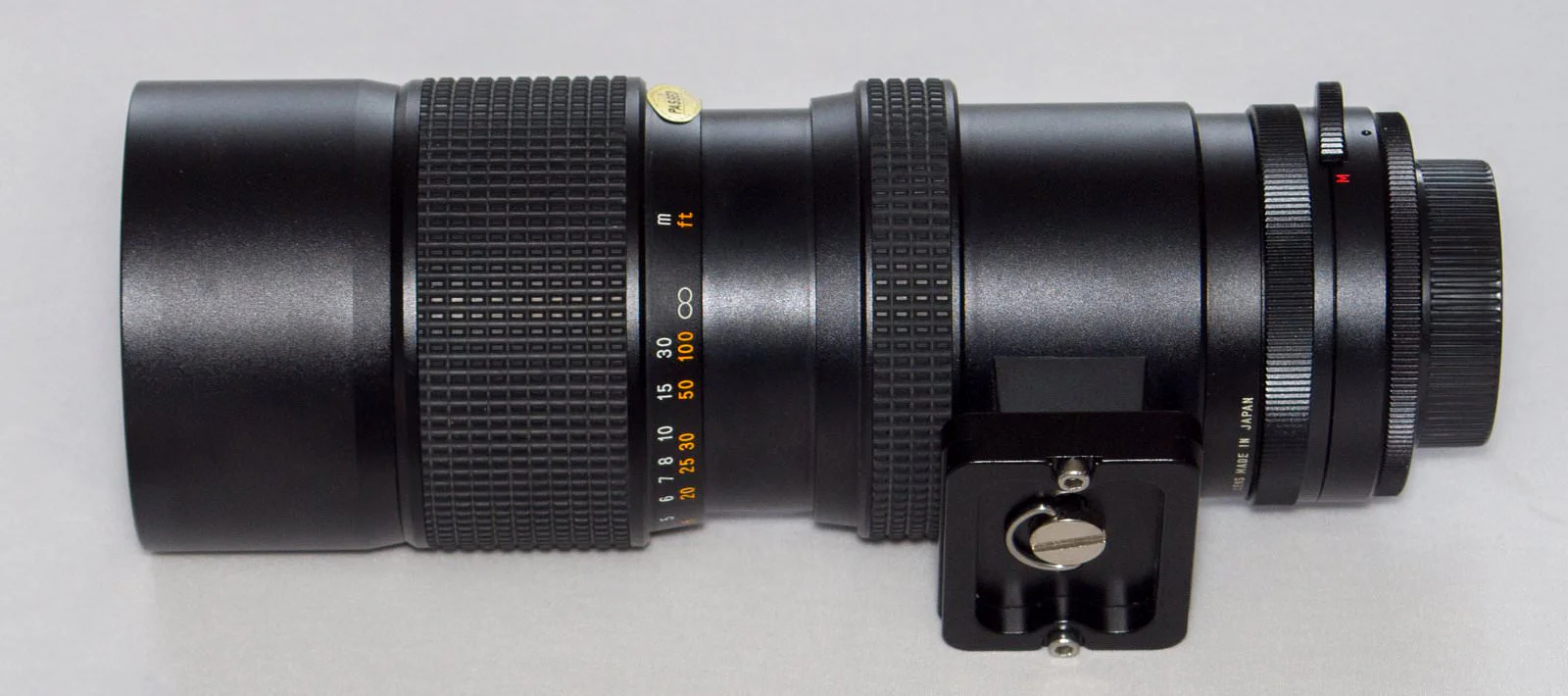
That’s why it would be unfair to turn up our noses—without a bit of research—at older macro lenses labeled with higher f-numbers like f/3.5 or f/4.0 solely because of the aperture value.
So why do we stop down the aperture? As we stop down we lose light, everything gets darker. We’re forced to increase exposure time and fight camera shake.

Also, lenses generally produce their sharpest images at moderately stopped-down apertures. You can see this difference with the naked eye when you stop down one or two clicks from wide open. Values like f/5.6 – f/8 usually yield quite sharp results.
In many resources on macro we read “stop down the aperture for sharpness,” and I’ve basically said the same now. But keep in mind from the start that stopping down has serious limits. Unless we’re forced to, we don’t go up to f/16 and such; on the contrary, as magnification increases we’ll start opening the aperture again. Otherwise we lose sharpness. You can find another article on the site that explains the diffraction/kırınım issue related to this.
/en/makro-cekimde-diyafram-ayari-ve-diffractionkirinim-etkisi/
ISO We stopped down the aperture. This time the light is insufficient—what will we do? By increasing the ISO value, we can make the photo bright again and reduce exposure time, as you know. Roughly speaking, increasing ISO on digital cameras works by multiplying the electrical signal read from the sensor by a factor. Let me try to explain this with an example.
Let’s imagine a pixel in the photo. Let’s assume its numeric value needs to be 100 to give us a bright and pleasing image. These numeric values tell us the amount of color and light.
We shot in proper light at ISO 160. Our little dot looks perfectly fine to us. But when we look closely we see its value is 101. Because our sensor isn’t perfect. Electronic components carry noise. Our sensor has added +1 unit of noise. If we take a new photo, sometimes that value comes in at 99 for the same pixel. So it could also be −1 unit of noise. But they all look equally good to our eyes. Identical color dots lined up. Some are 99, some 100, some 101, yet they all appear the same color. Our eyes don’t perceive that 1-unit difference. All is well.
Now let the light drop by a factor of 10. Perhaps we stopped down the aperture. What will we do? The first thing that comes to mind is to increase the exposure time. If we expose 10 times longer, we can produce a bright photo again. But we don’t have a tripod. Handheld, we can’t expose 10 times longer! Then we’ll increase ISO.
If we shoot at ISO 160 now, our sensor will read the numeric value of the dot as 10. That’s very dark. To bring the read value up to the level we want—100—we switch to ISO 1600.
In reality, our sensor continues to read the dot as 10. But don’t forget the noise. We have a sensor that gives +1 or −1 noise. In other words, the value that should be 10 may come from the sensor as 9 or 11. At ISO 1600 we multiply the read signal by 10 mathematically. So our dot will take a value in the 90–110 range. Now there’s a problem. Side-by-side dots—some are 90, some 100, some 110. They should actually all be the same color, but each dot looks a little different. Kind of grainy!
When we increase ISO, we also amplify the accompanying noise signals in the numeric values representing the color and light coming from the sensor, leading to issues like graininess in the photo. The more we increase ISO, the more we increase the noise signal.
Although grain (grain/noise) is something we don’t want at all in macro, it’s better than not taking the photo. If we don’t have the possibility of long exposure or a lighting setup, we’ll have to increase ISO. As technology advances and sensors improve, the noise signal shrinks. With each generation we can use higher ISOs. With the K-x I go up to ISO 1600 when needed. Ten years ago I couldn’t have imagined that. If the resulting photo isn’t still dark, high ISOs don’t produce bad results.
With my current camera, the Sony A7II, I can get detail at ISO 3200. In special bodies like the Sony A7S series, the sensor noise level is so low that clean images can be obtained at unbelievable ISOs. Even values like ISO 56,000 can be usable.
In the body settings you’ll find options under “noise reduction.” There you can find things like the degree of grain cleaning and at which ISO values and how much it will be applied. I prefer to turn these settings off completely. I handle noise reduction on the computer with capable software when needed, rather than with the limited capability of the camera. It’s both more effective and, by turning off a function in the camera, I might save a bit of battery.
Sensor Size

Assuming the same framing while using different sensors to obtain a photo, a larger sensor gathers more light and more detail. Because the image cast by the lens onto the sensor is larger, it’s less affected by diffraction and maintains sharpness at smaller apertures. As our sensor gets bigger, a single pixel physically covers a larger area, so it measures light/color more accurately. When we amplify this low-error signal by increasing ISO, noise remains low and we can use high ISOs more comfortably.
Megapixels
In fact, you should think of this as a ratio of megapixels to sensor size. Above we said what matters is how large one pixel is on the sensor. Even if our sensor is physically large, if it’s divided into too many megapixels, the area per pixel remains small and quality can drop. Of course, this comparison can apply to two sensors with similar technological characteristics. With technology advancing every day and megapixels increasing, the opposite is often true.
Beyond a certain point, high-resolution images can start to cause practical difficulties. The 12.4 MP and 12-bit color depth sensor of my Pentax K-x produces RAW files averaging 10 MB. On the Pentax K-5’s 16.28 MP sensor with 14-bit color depth, the same RAW average is 20 MB. I don’t know the file sizes of the commonly used 24 MP cameras. But I can sense performance issues in image processing programs and hard drives filling up over the years to the point of pulling your hair out. Computers need to be upgraded at the same pace.
Lens factor
There’s also the lens side of things. Lens resolving power may not satisfy high megapixel counts. If you try to push 24 million pixels through a small opening as the aperture is stopped down, your lens will most likely not cope, and when we zoom in and look at the photo at full size we’ll see an image that isn’t sharp.
Beyond a certain point, high-resolution images can start to cause practical difficulties. The 12.4 MP and 12-bit color depth sensor of my Pentax K-x produces RAW files averaging 10 MB. On the Pentax K-5’s 16.28 MP sensor with 14-bit color depth, the same RAW average is 20 MB. The camera I use a lot, the Sony A7II, is a 24 MP full-frame body. The files give me a bit of a headache. I use Sony’s ARW RAW format with compression turned off, and it takes 50 MB per photo. My productivity compared to Pentax has dropped a bit. Processing photos started to take 2–3 times longer. I consume storage capacity just as quickly. But it’s worth it, of course. Sony has come to a very good place in photography in recent years. I can say I’ve reached the level of detail I expected. On 50 or 100 MP cameras, file sizes will be an even more serious problem. Computers need to be upgraded at the same pace.
In short, megapixels will be one of the last things I look at on a camera. If you take a high-quality 1 MP image and double its dimensions in Photoshop, you can get a result that looks better than what a 4 MP camera with a stressed sensor would produce. Especially with compact cameras, don’t fall into the megapixel trap.