Handheld focus stacking

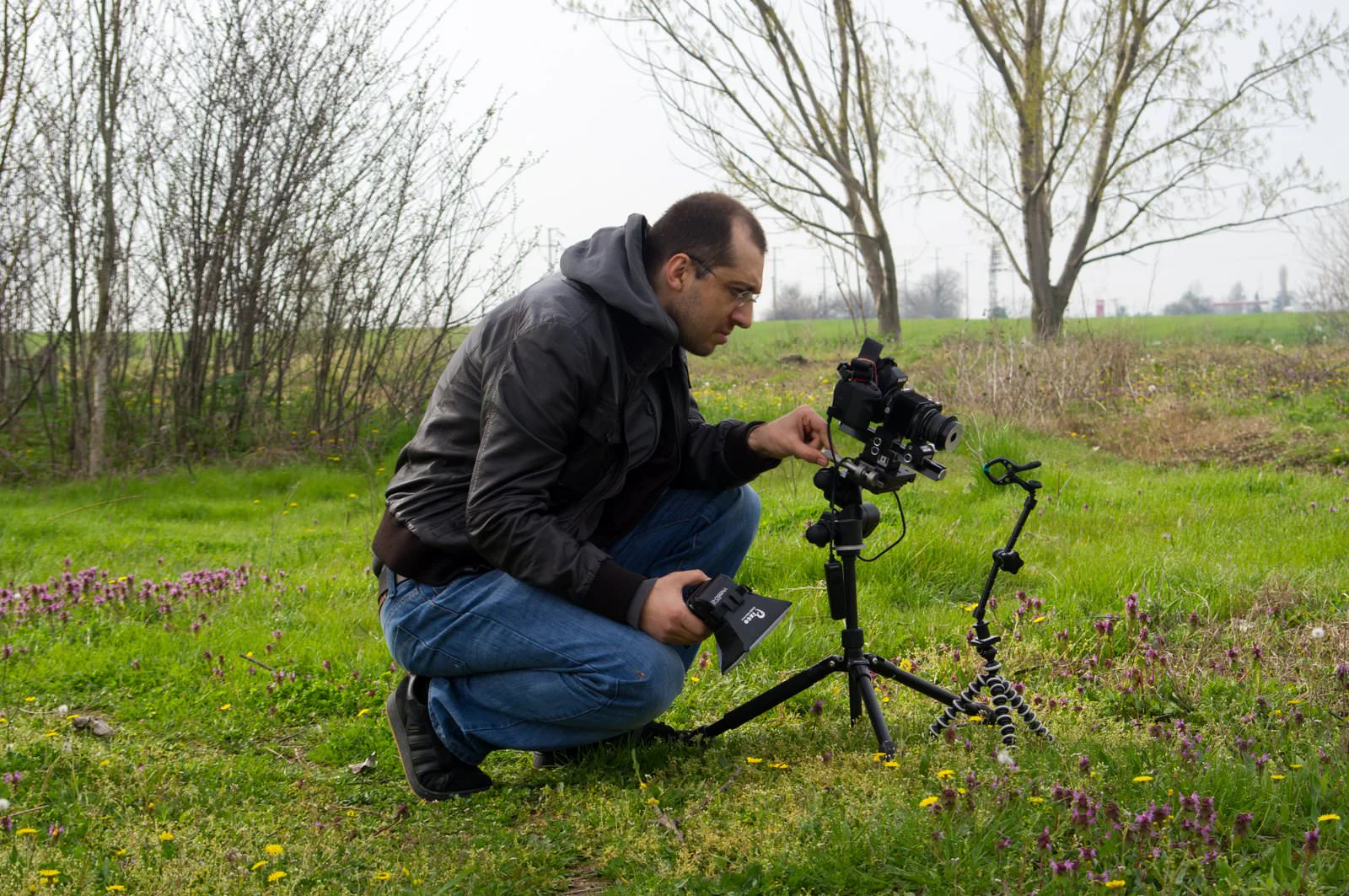
Handheld shooting has some nice perks. Compared to tripod and natural light, your very best images might not be handheld—but on a macro walk, it’s the only way to freely chase anything that flies or dashes off under any conditions. On a productive day, I can keep shooting handheld until my battery or memory card runs out and fill my hard drive in no time. From the raw material gathered in a single session, it’s possible to produce dozens of finished photos. After years away from macro, when I looked back through my archive I found thousands of unprocessed handheld focus stacking sequences. Lately I’ve been processing them to clear my head. You can also start investing in your retirement now—shoot plenty of handheld stacks that will keep you happily busy years down the road.
Whether handheld or on a tripod, macro photographs are very rarely single-frame shots. For example, if you’re framing large insects like butterflies or dragonflies to show their whole body with some pleasing negative space around them, it’s possible. Stop down a bit and the depth of field will be enough. But as you go into detail and increase magnification, you’ll find yourself needing 3–5–15 exposures.
We don’t need far more frames because with handheld we rarely reach 3×–4× magnification. You can guess why: shake, focusing, and light requirements. At lower magnifications it’s only rarely that you need as many as 15 frames. The shoot I’ll describe here lands in that ballpark.
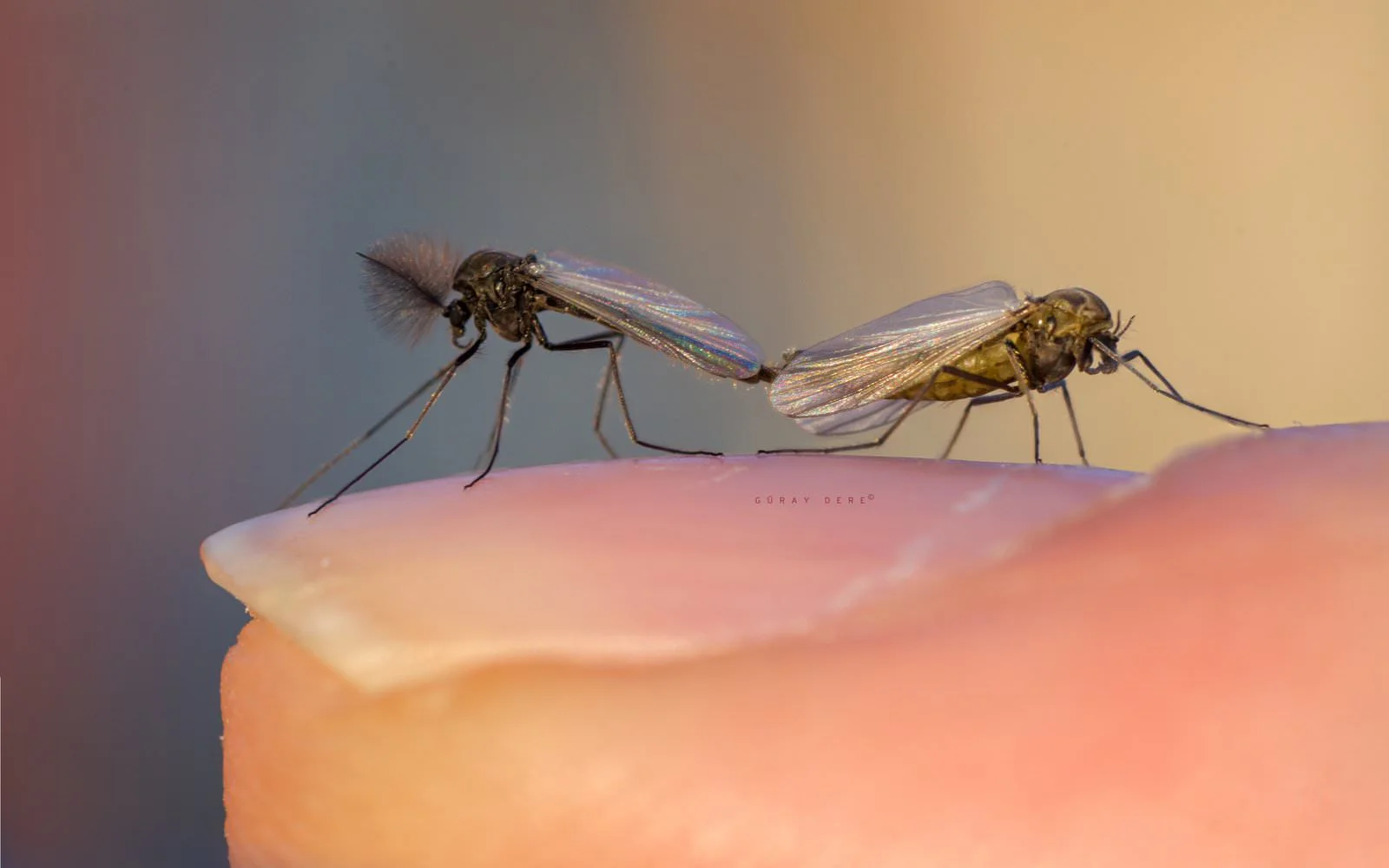
Dung fly

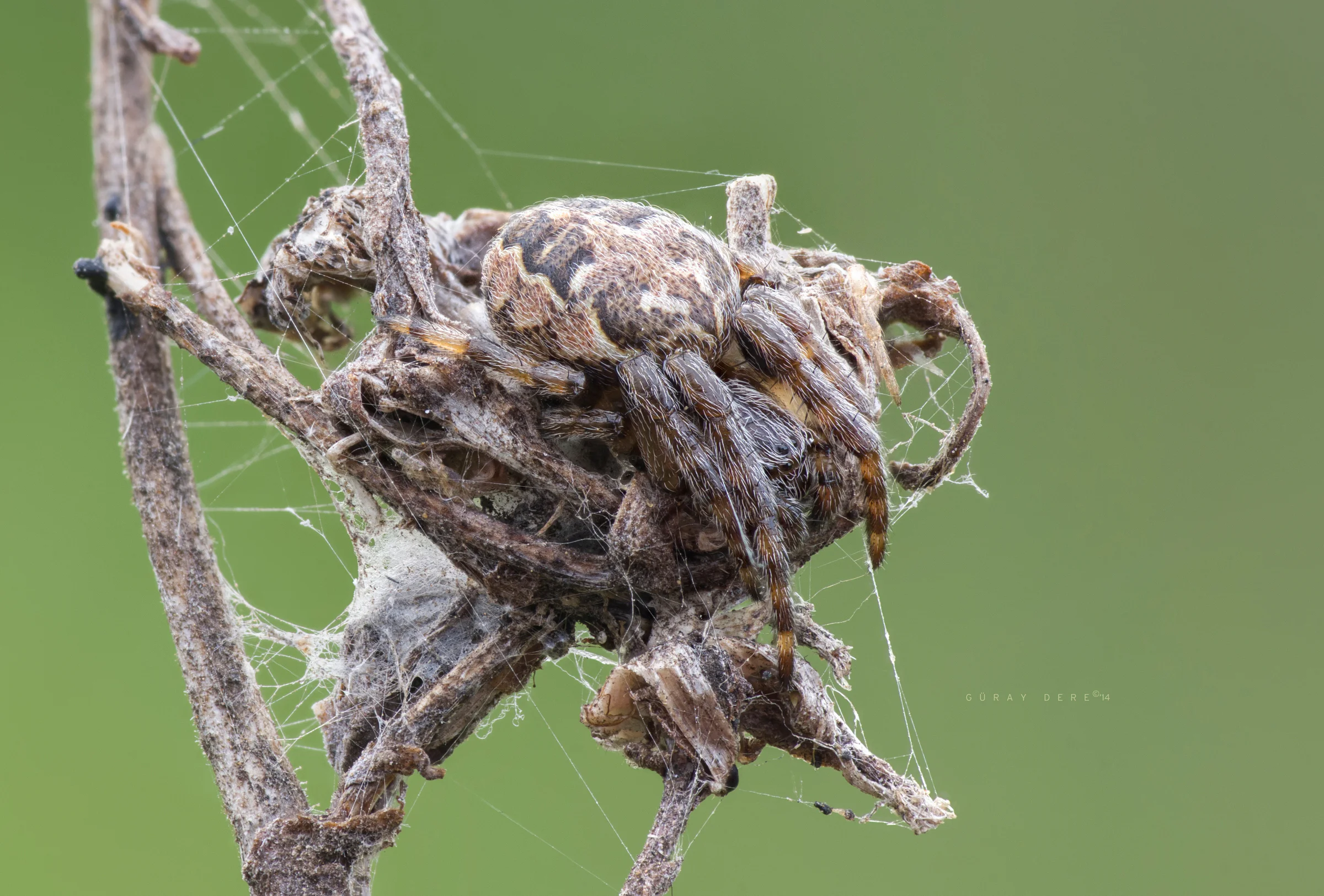
I usually don’t go past f/11 to avoid losing too much sharpness; same here. Depth of field was still tiny, so I’d need plenty of frames for the focus stack. At 3× handheld you can’t keep the framing or DOF control consistent, so again, lots of frames. And then I hold my breath and dive in. Diving into macro is like dunking your head underwater: hold your breath, glue yourself to the viewfinder, rattle off a batch as quickly as possible, and finish. Bugs aren’t as patient or willing as we are—speed matters. The fly kept still, unbothered by the flash. Lucky me. Checking the EXIF, I see I shot 23 frames in 40 seconds before lifting my head. I breathe a deep sigh of relief.
In handheld focus stack sessions, each “head down, head up” sequence effectively defines a single stack set. Once you bend down again it’s very hard to match the exact angle. With the perspective shifted, the frames won’t align easily. That’s why it’s a good idea to complete the entire stack in one go.
After a quick check of the sequence on the camera’s LCD—if I spot a problem or it looks insufficient, and the insect is still there—I’ll dive back in and start over. These dives, plus the heat, are sweaty work. Use that LCD check to catch your breath and try again. I didn’t need a second round this time; the set looked good. But I could try other angles… and I do. I keep shooting with a few different framings. I thank the bug and head back to the picnic spread.
At the computer
You never really know what you’ve got until you sit down at the computer. In a composition you worked hard for with dozens of shots, missing sharp zones show up all the time. Luck plays a big role in handheld. I had 23 frames of the same composition. While shooting we set the frame count instinctively—some mix of happenstance and whatever control we can manage—and I must have decided “good enough.” Reviewing them makes me smile: no critical gaps in the key areas. But the framing is messy. I almost scrapped the photo for that reason; I’ve abandoned many like it. This time I decide to give it a go. After half an hour of work I’m staring at a sequence that just won’t align. Frustrated, I close the computer without saving.
The next day I decide to write this post. The set is a good example of the challenges. So I sit back down and start again from scratch.


 Constantly changing framing is the hardest part of handheld. When the framing shifts, perspective shifts. Focus stacking software either falls apart or proceeds by cropping everything to match a chosen reference. In such cases Photoshop is clearly more successful. Still, the best approach is to use programs together and do the core work manually—no slacking. Watching the sequence as an animation helps it click.
I first merged the framing-compatible shots in Zerene, then manually processed only the needed areas from the perspective-problem frames in Photoshop. I have to admit it took a while. But watching the pieces appear bit by bit is enjoyable for me. Once all parts were assembled, the result was still what I’d call “raw,” and looked like this:


Good luck out there :)
Update
The software I used back when I did the steps in this post has improved a lot over time. New versions have enhanced their focus stacking features. There’s no longer any need to play with file names to sort by focus depth. Especially Photoshop—on problematic sets like this it now does things I would once have called miraculous. Even more interesting, in trouble spots you can use AI-assisted texture/area fill. I’ll make that a separate post.
But those miracles still have limits. When those limits disappear, we probably won’t need to take photos anymore :)